
Google’s been shoving Gemini into Workspace apps for a while now, but the latest update actually looks like someone stopped to think about how people work.
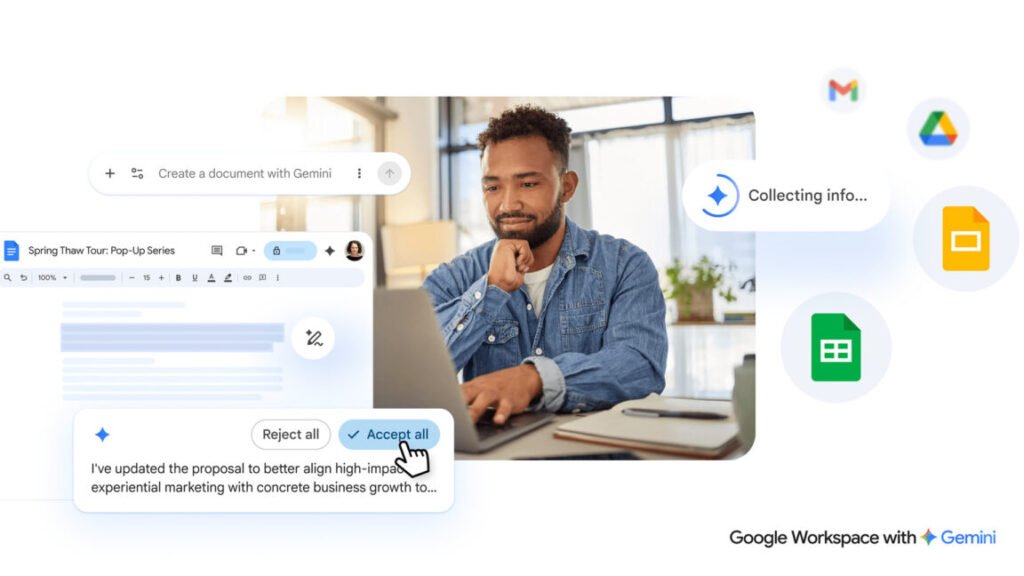
If you open a new Google Doc today, you’ll already see some AI helpers at the top. The new version moves things around. Instead of a toolbar, you get a chatbot-style text box at the bottom of a fresh document. Type what you want, and Gemini spits out a first draft. It can pull content from your Gmail, other documents, Google Chat, and even the web. That’s not bad for a starting point.
The editing side is where it gets interesting. You can highlight a section and ask for changes, or use prompts to reformat the whole thing. There’s also AI-assisted style matching, which sounds useful if you’ve ever had three people edit the same doc and end up with a Frankenstein mess.
Google says all Gemini suggestions stay private until you approve them. That’s a nice touch, but I’d want to see the actual data handling before I trust it completely.
What I like is that they’re not just slapping a “write for me” button on everything. The context-aware stuff—pulling from your own files and conversations—actually makes sense. The blank page problem is real, and having a draft that already knows what you’ve been talking about is better than a generic AI essay.
But let’s be honest: these tools are only as good as the prompts you give them. If you’re vague, you’ll get garbage. And the style matching thing? I’ve seen it work in other tools, and it’s never as seamless as promised. Still, this is a step up from the gimmicky first-gen AI features.
Will it save you from using your brain? No. But it might save you from staring at a blinking cursor for twenty minutes.
Comments (0)
Login Log in to comment.
Be the first to comment!